
1.
JB Casino login for Australia: quick, secure access
Sign in on the official website or the mobile app using your email or mobile number and password. After registration and identity verification, you can log in any time to place sports bets, play casino games, claim bonuses, and manage deposits and withdrawals. Data is protected by encryption, and you can enable two-step verification for extra security. The process takes seconds.
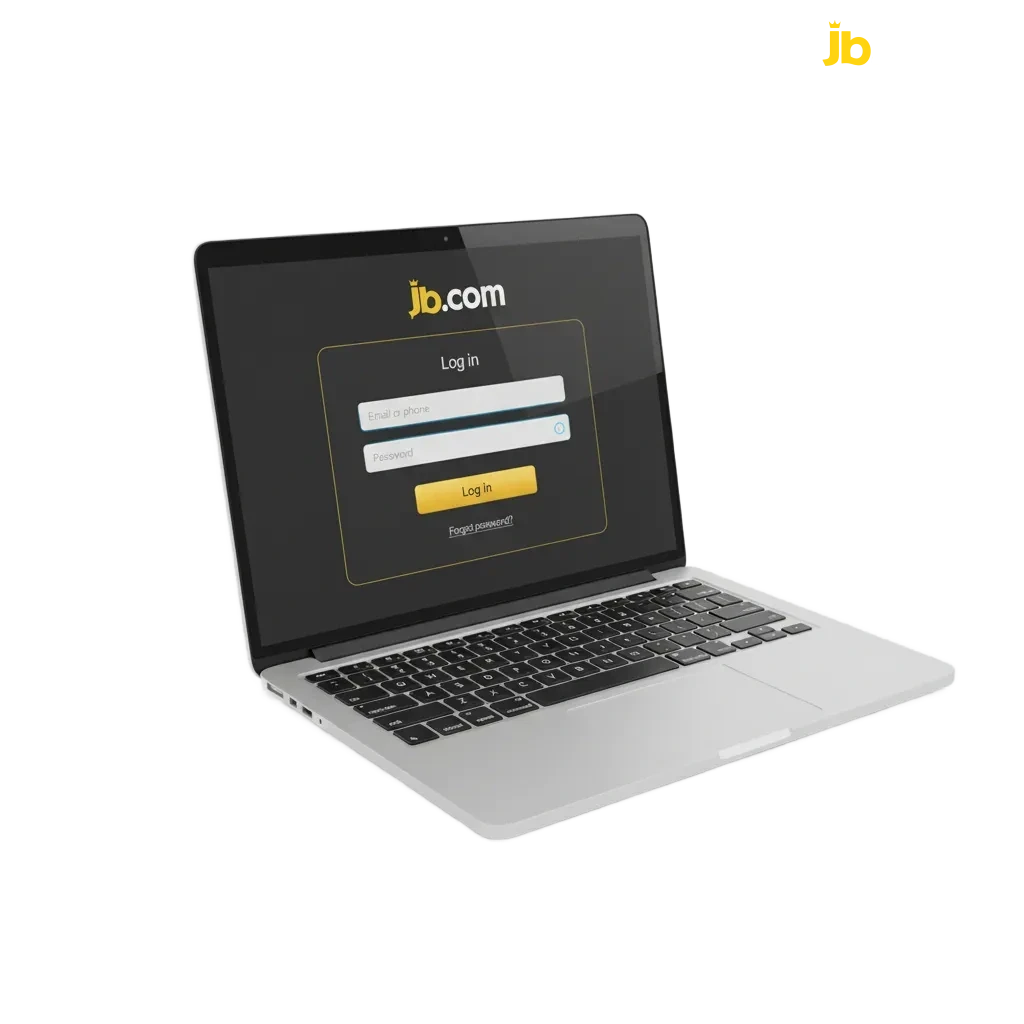
Choose how to sign in: fast account login options
You can choose the method that suits your device and preference. Here are the JB Casino account login methods used across the site and app.
Available methods: Email and password, Mobile number and password, Username and password, Sign in with Google, Sign in with Apple, One-time code to email or SMS.
Email and password login
- Go to the official website login page or open the app.
- Enter your email and password on the sign-in screen.
- Complete two-step verification if it is turned on.
- Tap Log in.
Log in on the JB Casino app in Australia
The app gives fast access and native features like biometrics. Navigation differs slightly from the website, but the login process is familiar.
2.
Open the app and allow notifications if you want login alerts.
3.
Tap Log in and choose a method: email, mobile number, or Sign in with Apple or Google.
4.
Enter your details and finish two-step verification if enabled.
5.
You will land on Home. Access bets, games, bonuses, and your profile.
Fix common JB Casino log in problems
Sometimes sign in issues happen. Use the advice below to solve frequent problems before contacting support.
| Problem | Solution |
|---|---|
| Forgot password | Use the 'Forgot Password' link, choose email or SMS reset, and create a new password. |
| Incorrect 2FA code | Check device time settings, request a new code, or use backup codes if set up. |
| Account locked after too many attempts | Wait 15 minutes, reset your password, then try again. Check your email for unlock instructions. |
| Account not verified | Go to Profile and finish identity checks. Upload the requested personal information and ID, then try to sign in again. |
| Outdated app or browser cache | Update the app or your browser, then clear cache and cookies. Try again on the official website. |
Recover your password: quick reset steps
You can reset your JB Casino sign in password in a few steps. The process is secure and only takes a moment.
1.
Click the 'Forgot Password' link on the login page.
2.
Enter your email or mobile number and choose how to receive the reset code or link via email or SMS.
3.
Follow the link or enter the code, then set a new password.
4.
Save changes and log in using your new password.
5.
If two-step verification is on, enter your 2FA code to finish.
FAQ
Can you stay signed in on a trusted device?
Yes. Tick “Remember me” on a private device. Avoid this on shared computers.
Is the JB Casino official website login the same as the app login?
Yes. The same account and credentials work on both. 2FA settings carry over.
Does the app support Face ID or fingerprint sign in?
Yes, on compatible devices. Enable biometrics in App Settings after your first login.
How do you log out of all devices?
Go to Profile, then Security. Select Log out from all devices.
How do you change the email or mobile used for sign in?
Open Profile, then Account. Update your contact details and confirm the change via code or link.
Updated: